
Hotel shift handover template: free format and how to use it
A handover template you can copy or print straight from this page — plus the seven fields every handover needs and the habits that make a template worthless.
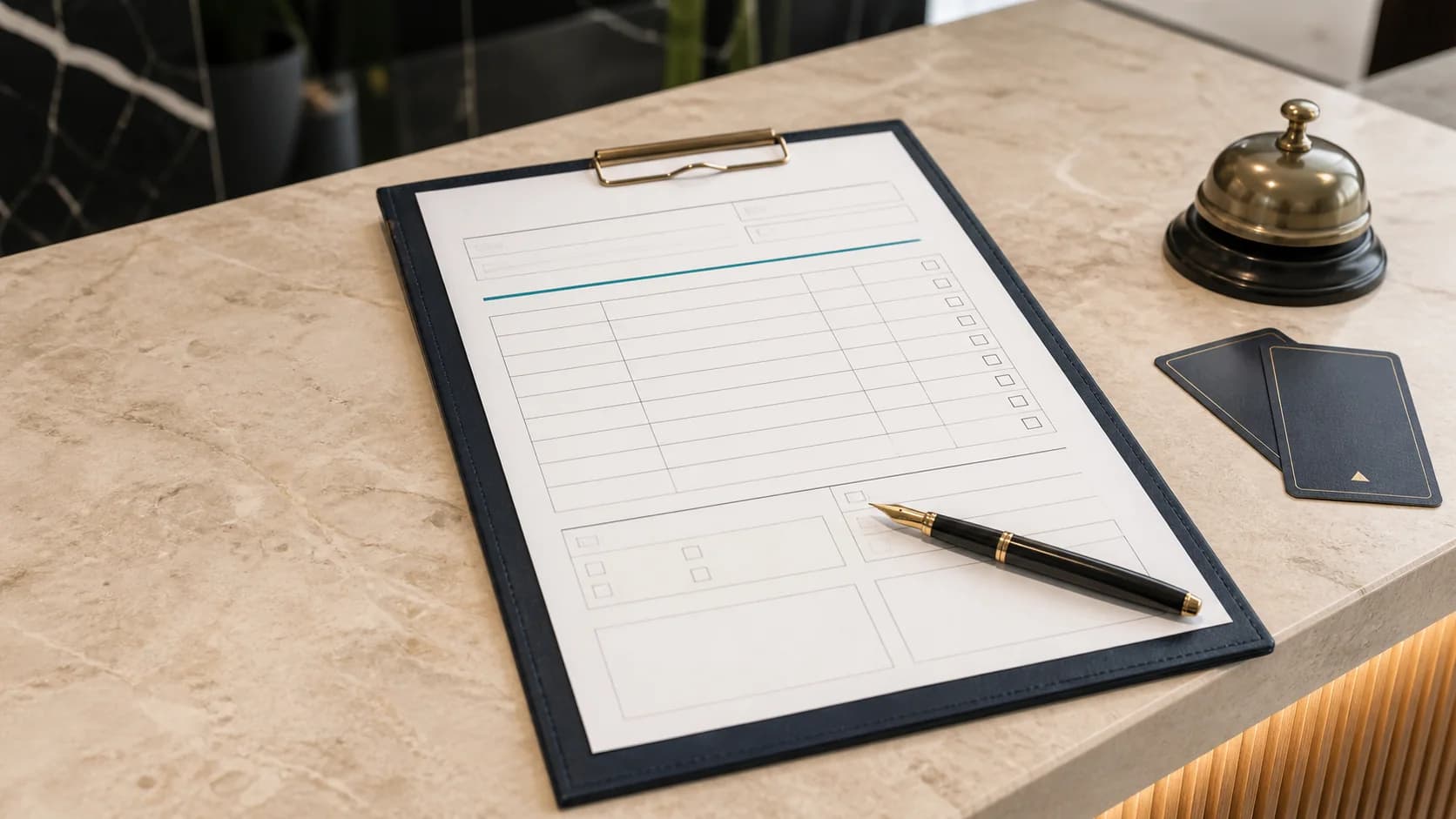
Most handovers do not fail because nobody writes anything down. They fail because everybody writes down something different. A fixed structure fixes that in a day. Here is a template to copy or print, plus how to actually use it.
The template
The table is free to use. Copying puts it on your clipboard as a real table for Word, Excel or Google Docs; printing gives you a paper version for the front desk.
| Field | What goes in | Example |
|---|---|---|
| Shift & date | Who hands over to whom, and when | Night → morning, 23 Aug, 06:45 |
| Department | Who the item is for | Maintenance |
| Priority | Urgent or normal | Urgent |
| Item | What happened, in one sentence | AC in 204 not working |
| Status | Open, in progress or done | In progress |
| Next step | Who does what, by when | Engineer booked for 09:00 |
| Logged by | Name, so questions have an address | M. Keller |
One row per item is enough for daily use. A sheet per shift beats a running book, because at the start of a shift you read exactly one page.
Which seven fields does every handover need?
Seven fields sounds like a lot, but together they are one sentence and four keywords. They answer the three questions the next shift actually has: what happened, what is open, what is coming today.
- 1
Shift and date
Without a time, an entry cannot be placed later. This is also the part that turns a note into a record.
- 2
Department
The most important filter. An item with no recipient is a message to everyone, and a message to everyone gets read by nobody.
- 3
Priority
Two levels are enough: urgent or normal. Three or more and everything drifts to "high".
- 4
Item
One sentence, not a story. If it takes two sentences, it is usually two items.
- 5
Status
Open, in progress, done. Without status the next shift either duplicates the work or skips it.
- 6
Next step
Who does what, by when. The field that turns information into a task.
- 7
Logged by
So questions go to a person instead of into the room.
How do I roll the template out to the team?
Start small and demonstrate the structure instead of debating it. One shift, one week, then review.
- 1
Pick one shift
Night shift is the best candidate: that is where most gets lost and where the fewest people are watching.
- 2
Run it for a week
No longer. After five days you know whether the fields fit or one is missing.
- 3
Fill in the first handover together
Ten minutes with the team and one completed example beats any explanation.
- 4
Then widen it
Only add the next shift once the first one has it. Switching everything at once just creates exceptions.
Which mistakes make the template worthless?
A template rarely fails on the form and almost always on the habit. These five come up most often.
- Everything in one row: four items in one field means three of them never get worked.
- Status never maintained: with no "done", the list grows until nobody reads it.
- Telling instead of handing over: "busy night" is not a handover. Only items that concern somebody belong in it.
- HR matters on an open sheet: sick notes and conflicts belong with leadership, not on the front desk counter.
- Two systems in parallel: keep the WhatsApp group next to the template and you end up half-maintaining both.
When does a template stop being enough?
As soon as more than one department is involved, a paper or spreadsheet template works against you. It has no recipients, no status beyond the shift, and no search.
Concretely: if you serve three or more departments, if leadership wants to see what is happening from off site, or if somebody regularly hunts for an old entry, you have reached the point where a digital handover book costs less than the searching.
That is what avvicenda™ is built for: the handover is spoken like a voice message, assigned to the right department automatically, and it stays searchable. Full disclosure: avvicenda is our product — the template above works fine without us.
Frequently asked questions
Is the template really free?
Yes, with no email address and no sign-up. Copy it or print it and use it.
What format do I get the template in?
The copy button puts it on your clipboard as a table, ready to paste into Word, Excel or Google Docs. The print button gives you a paper version.
Can I change the fields?
Yes, and most properties need exactly one change. Prefer removing a field over adding one — the shorter the form, the more likely it gets filled in.
Do I need a separate sheet per department?
On paper, yes, otherwise every department reads everyone else’s items. Digitally the department column solves it by itself, because each person only sees their own rows.
How long should I keep completed handovers?
A few weeks covers daily operations; evidence about maintenance or complaints usually needs longer. Once guest or staff data is in there, you also need a deletion rule.
Done with sticky notes.
Take a look at avvicenda™: 30-day free trial, no credit card.