
Hotel banquet and conference management software: from enquiry to function sheet
Hotel banquet software should connect enquiries, function spaces, option dates and up-to-date function sheets. Here is what a useful conference management tool needs and how avvicenda is building the workflow around real hotel operations.
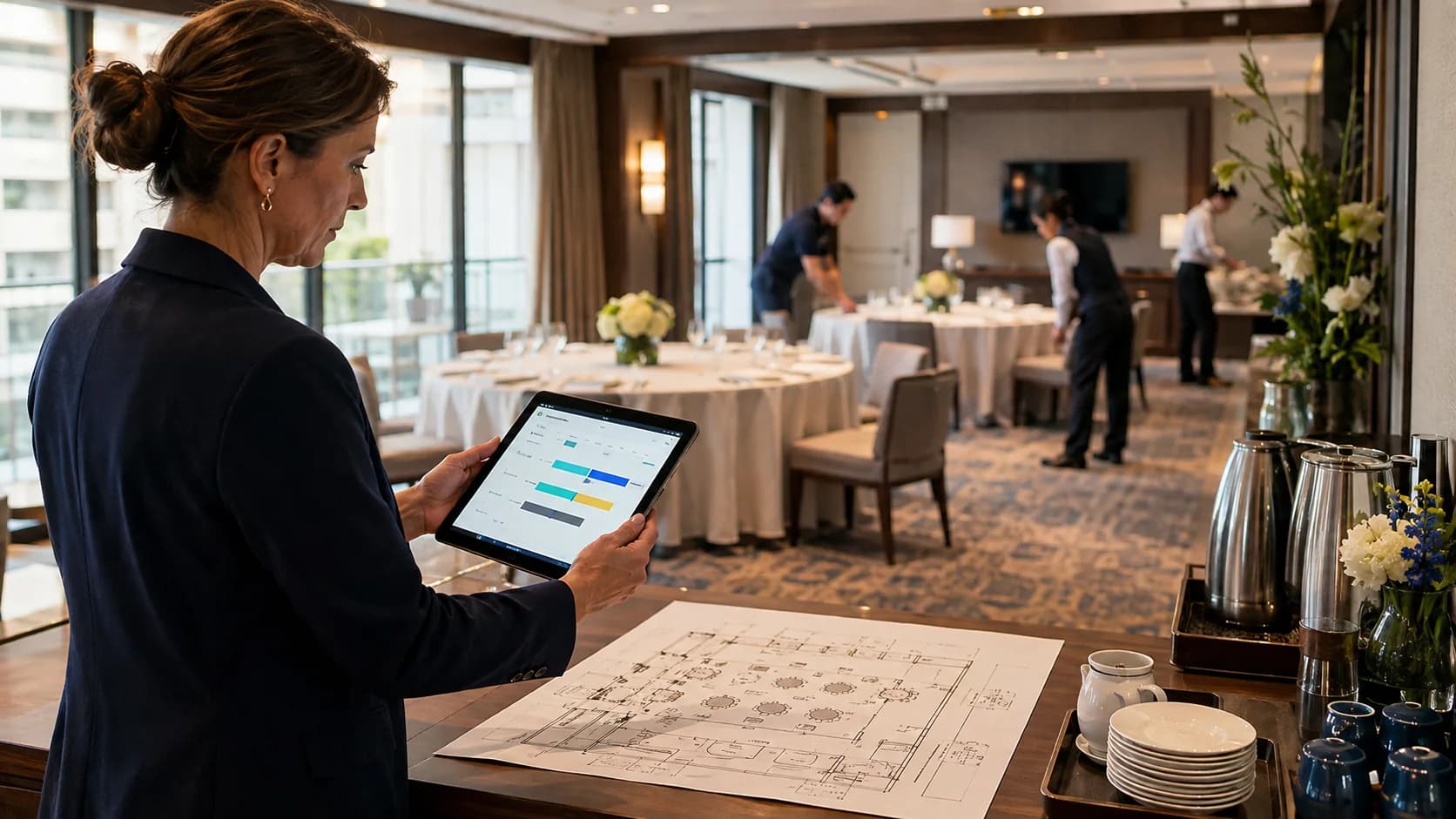
A meeting may start with one phone call and end up across five different files. In between, the guest count, room, menu, schedule and on-site contact all change.
Good hotel banquet software does more than store a booking. It connects sales, function-space planning and the event day so reception, banqueting, kitchen, service and maintenance work from the same record.
What is hotel banquet management software?
Hotel banquet management software is a tool for planning meetings, weddings, private events and catering. It keeps enquiries, options, rooms, services, prices and function sheets together in one event record.
Conference management software becomes essential when more than one department is involved. A calendar cannot tell the kitchen what changed or show maintenance which room setup is current.
Why do spreadsheets and paper fail in banquet operations?
A spreadsheet stores data but does not manage handovers. Every change has to be copied into the proposal, room plan, kitchen sheet, service briefing and billing notes.
- An option expires before anyone follows up.
- The room plan is current but the printed function sheet is not.
- The kitchen sees the new headcount but misses a menu change.
- A combined room is booked while one section is already occupied.
- The booking contact and the on-site contact are mixed up.
- After the event, nobody can see who changed the schedule and when.
Which 7 features should a hotel event management tool have?
The right tool follows the operational flow of the property. These seven features matter more than a long software checklist.
- 1
Fast enquiry capture
A call note or pasted email should become a structured draft without forcing staff through a long form.
- 2
A clear sales pipeline
Enquiry, proposal, option, confirmed, completed and billed must remain visibly separate.
- 3
Option-date tracking
An option is revenue with an expiry date. The responsible team needs a timely follow-up signal.
- 4
Room and time planning
Multi-day meetings, setup, breakdown and divisible spaces belong on one room timeline.
- 5
Departmental function sheets
Kitchen, service, maintenance and reception need different views from the same source.
- 6
Reusable packages and prices
Day-delegate packages, menus, room hire, tax rates and cancellation terms should be maintained once.
- 7
Change history and customer memory
New headcounts, moved times and previous events should never disappear into old attachments.
How does avvicenda handle banquets and conferences?
avvicenda builds the event record around the way hotel teams actually work. Avvi structures the initial rough note, a person confirms it, and every later view uses the same data.
- 1
The call becomes an event record
Staff can type naturally: date, guests, projector, coffee breaks and callback. Avvi proposes the fields but never saves without confirmation.
- 2
The board shows the next action
Open enquiries, expiring options, confirmed events and items ready for billing sit in separate columns.
- 3
The room timeline exposes conflicts
Rooms, combined spaces, setup time and multi-day events are planned together. Conflicts are warned rather than silently blocked.
- 4
The function sheet stays alive
When the headcount or running order changes, each affected department sees what has changed since its last view.
- 5
Packages remain reusable
The property maintains meetings, weddings, banquets and catering with its own items, prices, tax settings and cancellation templates.
- 6
Options do not vanish
Avvi alerts the responsible banquet team before an option expires, linked to the real event record.
Which parts of the avvicenda banquet tool are already built?
The operational core is built and is being checked for the pilot phase: event board, option dates, room timeline, multi-day events, running order, departmental function sheets, package catalogue and customer history. The hosted proposal studio in the hotel’s own visual identity is the next stage, so we do not present it as finished today.
Which hotels benefit from conference management software?
A dedicated tool starts paying off once events touch more than one department and one calendar. It is especially useful for independent hotels with 20 to 150 rooms, regular meetings or banquets, and no in-house IT team.
- Conference and seminar hotels with several function spaces
- Boutique hotels hosting weddings, private events or catering
- Properties where reception or restaurant staff also manage events
- Hotels still distributing function sheets from spreadsheets or paper
- Teams that need reliable option and change tracking
Frequently asked questions about hotel banquet software
What is the difference between banquet and conference software?
Conference software usually focuses on meetings, rooms and equipment. Banquet software also covers weddings, private events, catering, menus, prices and the operational running order.
What is a digital function sheet?
A digital function sheet is the current event view for one hotel department. It updates from the main event record, so teams do not need another printed version after every change.
Can banquet software prevent double bookings?
It can expose overlaps across rooms, subdivisions, setup and breakdown periods. avvicenda warns clearly while leaving an authorised person in control of the final decision.
Is avvicenda only a banquet system?
No. Banquets and meetings are one module within the avvicenda operations platform, connected to handovers, tasks, departments, calendars and insights.
When can a hotel test the banquet module?
The operational core is in product and pilot review. Hotels can apply for a pilot place and will be told exactly which parts are available for testing.
Done with sticky notes.
Take a look at avvicenda™: 30-day free trial, no credit card.